
HTML in Zendesk dynamic content does render in email. Line breaks are the catch.
If you run more than one brand in Zendesk, you have probably tried to keep email notifications branded with dynamic content: put the brand-specific header in a dynamic content item, drop the placeholder into your triggers or your email template, and let each brand render its own header. It is a tidy pattern, and it mostly works.
Then a header comes through broken. The logo loads, but a line of attributes like width="220" and style="…" sits underneath it as plain text, and the image is the wrong size. The same HTML pasted straight into the trigger renders fine, so the dynamic content looks like the culprit.
Search for it and you land on an old answer. A Zendesk help article, still bookmarked in plenty of places, says HTML and Markdown in dynamic content does not render in trigger emails or agent signatures. That would settle it: the pattern is unsupported, move on.
We did not take its word for it. The article is a few years old, the behaviour we were seeing did not quite match it, and we had the two things you need to actually check: a Zendesk instance and a way to test configuration quickly. So we tested.
What we found
HTML in dynamic content does render in trigger emails. The article is out of date. What breaks it is narrower and easy to miss: a line break inside an HTML tag.
When the email is rendered, a newline that falls inside a tag splits that tag. Everything up to the newline is read as the tag; everything after it becomes text. An <img> element written across several lines, one attribute per line for readability, is the classic case. The opening <img src="…" is read as the tag, the image loads, and alt, width, border and style spill out below as visible text. Because the width never applied, the image renders at full size.
Tags that each sit on a single line are fine. A table with one tag per row renders exactly as written. It is only a break inside a single tag that causes the problem.
How we worked it out
We started with a vague description and an archived article that said the pattern was dead. What we actually had was a Zendesk sandbox and Deltastring’s MCP, and that was enough to stop guessing.
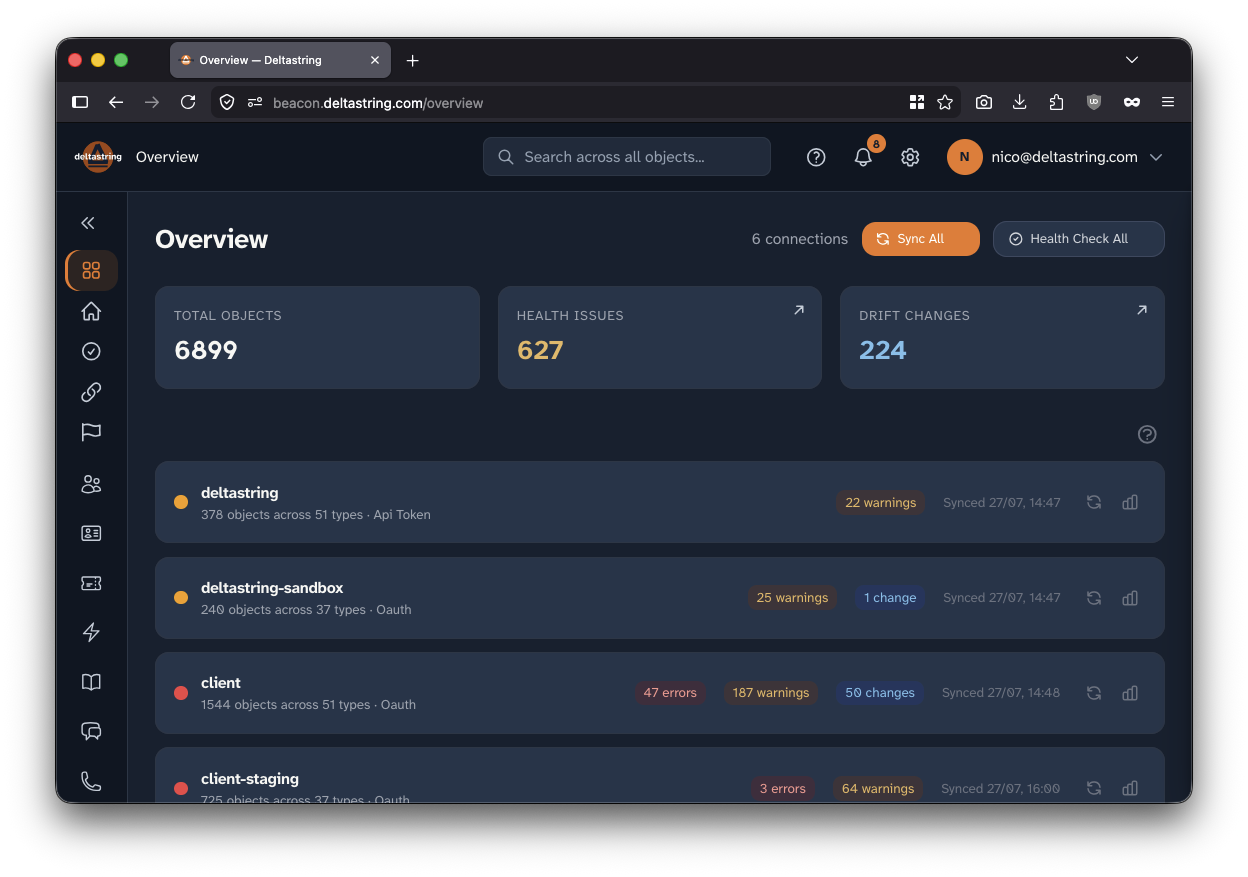 Deltastring works on configuration only, never on tickets or customer data, which is what makes a test like this safe to run.
We built a spread of dynamic content through the MCP and iterated on it: first a catalogue of individual HTML tags to see what rendered at all, then full header blocks, then the same header split across lines against the identical markup on one line. A trigger emailed each set, and we fired test tickets through the Zendesk API to read the raw output. Each round took a couple of minutes, so we could keep narrowing.
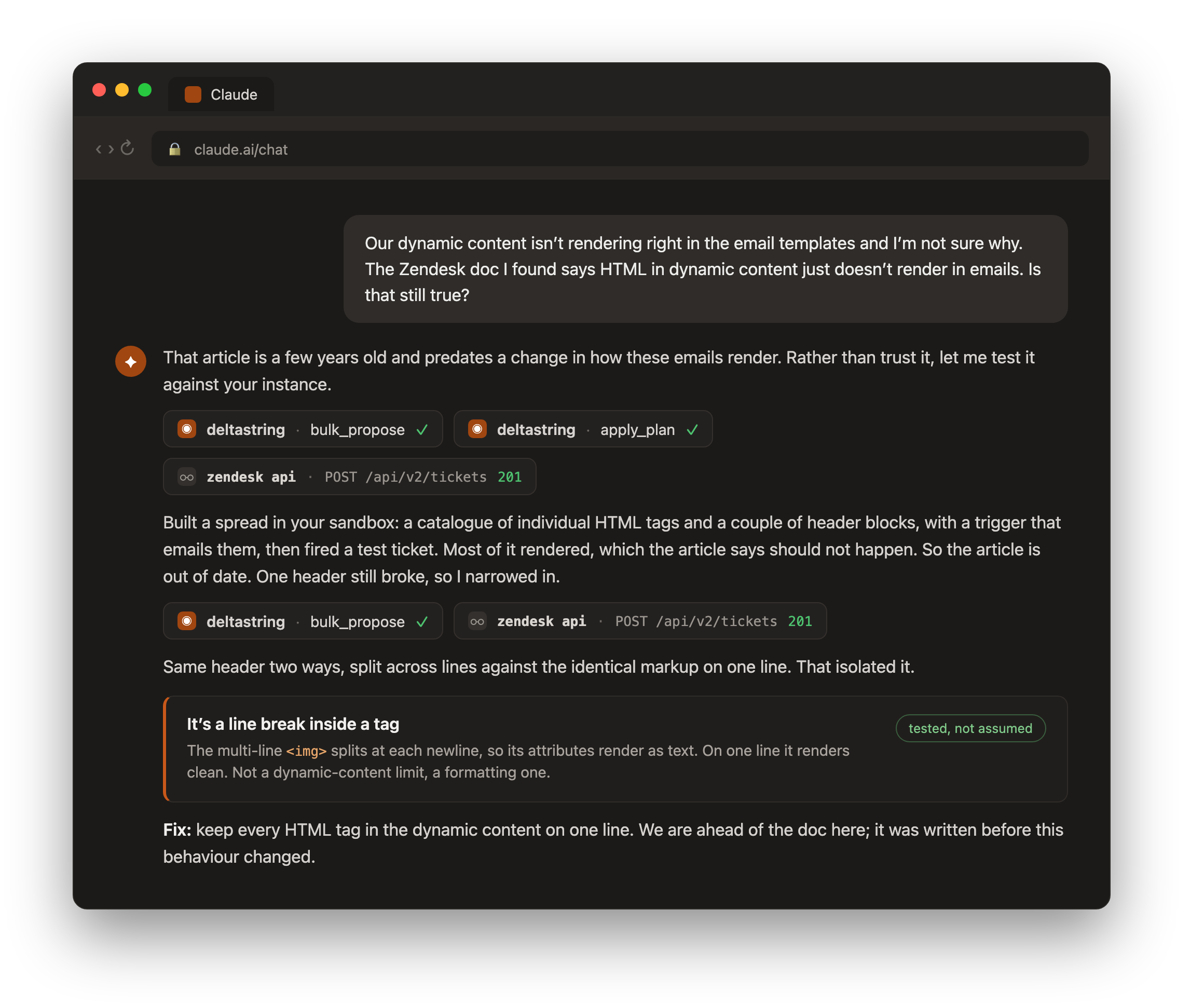 A vague question, a stale doc, and a live instance. We tested every part until the pattern was undeniable.
The first result contradicted the article straight away: most of the HTML rendered. From there it was narrowing, and the break was always a tag split across lines. Same markup, same styles, one difference: where the line breaks fell.
Because it is all configuration and all in a sandbox, we could build each test, run it, and remove it again in minutes, without touching production or any customer data.
The fix
Keep every HTML tag in a dynamic content item on a single line. Line breaks between tags are fine; line breaks inside a tag are not. In practice the offender is almost always a multi-line <img>, so put the whole <img … > on one line and the header renders as intended.
Why we bothered
We could have quoted the article and moved on. Most of what we do looks like this instead: take a vague question, test every part of it against a real instance, and trust what the test shows over what the documentation says. Configuration is safe to test that way when you treat it as configuration: propose a change, apply it to a sandbox, read the result, roll it back. The outcome here is a small one, a header that renders, but it came from checking rather than assuming, and it put us a step ahead of the documentation.
PS. We have folded this into Deltastring’s conventions layer, the best-practice guidance each instance’s AI assistant draws on when it makes a change. So every Deltastring user’s assistant now knows to keep each HTML tag on a single line in dynamic content, even though it appears nowhere in the Zendesk documentation. A problem observed in the wild, solved once, written into the defaults, and our users never even need to know it was ever a question.