
Building in public
I have always been a fan of people and businesses building products in public. Exposing themselves to the cold stare of the market. It feels like an extremely honest way to live, and a powerful way to find the problems in your own thinking. Also it’s a pretty solid principle to live by and I am someone who likes to be principled.
Like every worthy-sounding principle, it’s easier to say than do. I’ve been working on the Deltastring product for so long now but I’ve barely ever spoken about how it works behind the interface! Mostly because any time I sit down to write about the process I spot a way to refine it and then I think “Well I should get this sorted and then talk about it when it’s even better” but there’s no end to that cycle.
Here I am today, talking you through the product and the build process for Deltastring, despite knowing it’s not 100% and having a long long to-do list.
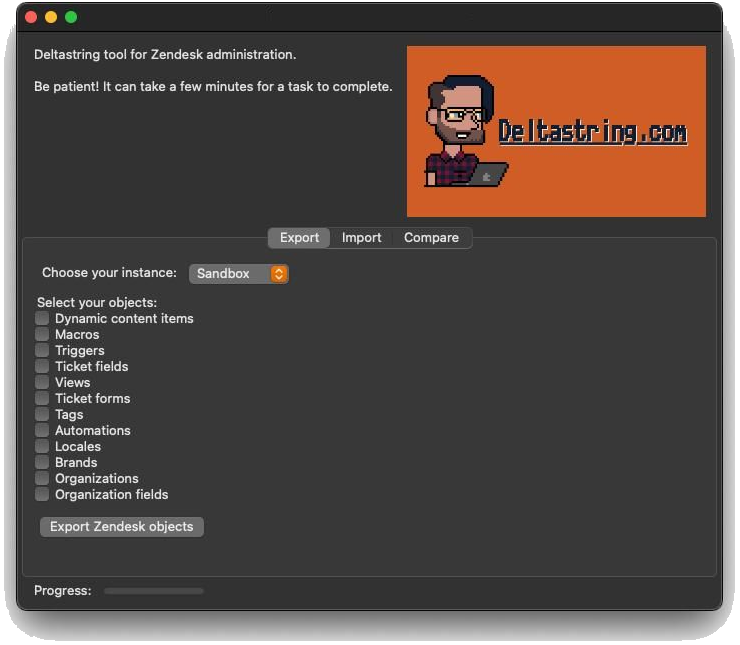
Deltastring is almost entirely written in Python. Partly this is because of its heritage. The product evolved out of my Zendesk scripts library, the little utilities we all have in our back pocket for regular tasks. I was a bit of an enthusiast of BeeWare and looked hard at “what is the most pythonic way of building this application” but I got frustrated with the front end frameworks I tested out. Friends might remember an early version which was a desktop application. Anyway, Python is what I know best so that’s a strong enough argument to use it everywhere I can.
The Zendesk scripts (the platform connects to every API endpoint in the Zendesk suite except cannot read individual tickets or information about end users) are not in the core engine of Deltastring but in a separate provider layer which means we can easily extend the Deltastring product for other applications. Can you guess who is next?
The core engine has components including the matcher, id_translator and the promotion_plan modules. It handles the actions the Deltastring tool can do but it is totally agnostic on where the instruction came from and what the application it’s updating might be. The matcher is the part that knows this object in your sandbox matches this object in your production instance. The id_translator checks that references in objects in one environment are linked to their equivalents in another environment on promote. The promotion_plan module handles the dependency tree across environments when a change is proposed. There are a bunch of others.
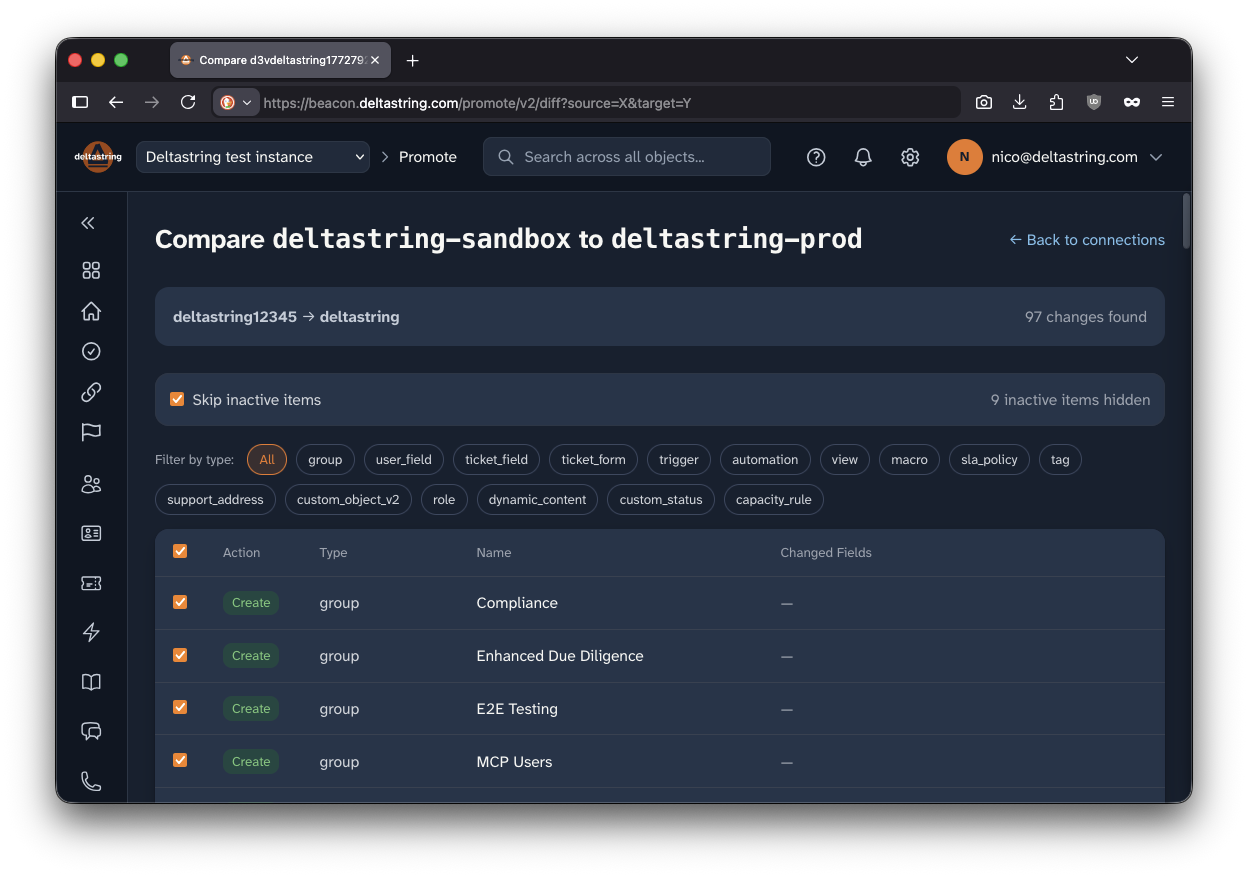
Adapters handle other application specific elements. This includes imported files (you can import a spreadsheet of macros) and exports (you can directly open your config in Google Sheets or Excel 365) and safely handling config changes. These individual .py files are mostly super tiny, typically 100-200 lines of code, but can be over 2000.
Workflows are another interesting folder of python scripts. One of my favourite features are these predefined processes to cleanup and maintain your Zendesk (etc) environments. The most common feature request is for user-defined workflows and I have really good news on the way for those who are sick of doing the same stuff regularly in your Zendesk work. This is on the way and it’s great.
For those who have never created software, I want to help you understand the scale. It’s hard to build a whole application, but it’s not that complicated to write a few hundred individual tiny components so long as you have a plan and do one at a time. It’s especially easy now we have Claude Code available! The difficulty is dismantling everything you want the app to do. What do you put in to this step, what do you expect to come out? What should it do if something unexpected comes in or pops out?
The backend application currently has 400 python scripts, the largest of which is 200KB. This count is dwarfed by the test suite, which has over 1000 .py scripts. I recently redesigned it to complete in under 15 minutes on my Mac Mini M4, but over a thousand test scripts should give you a sense of the scale we’re working at. Deltastring is fully test-driven, i.e. the specifications for each new function imply how we test the script and the failing tests are created before the solution.
Our test and release process is pretty chunky. When there is an update, besides the test suite (incidentally we can bypass the test process for non-functional changes but we never do so for anything which touches client systems) we also have a headless version of the application run in a container on the local development machine. The aforementioned Mac Mini builds the app, there’s a test harness which runs through a series of tasks on the application, connecting to a Zendesk sandbox and test environments in other systems as we develop those connections. The functionality is all tested via the Deltastring application API harness, the Deltastring MCP, additionally verified by checking the changes using the Zendesk API.
Once the build has passed both of those test processes, it should be deployed to our cloud staging environment. Initially we hosted the application on our own cloud. We use Freethought and I have nothing but praise for them. A few months ago we migrated the Deltastring hosting to Railway because the build and teardown processes were more straightforward to manage. Anyway, we should build the new application version in the Railway staging environment and run through a further series of automated tests. I say “should” because this is the bit I’m polishing up this week. It’s not yet operational but hey I’m building in public for accountability. Completion will trigger the deployment process to our production system.
The application runs in Docker containers and uses Postgres databases. We have our own Deltastring product Git server for optional use by clients who aren’t able to connect their own version control. The web frontend uses HTMX, Jinja2, Tailwind. The MCP server uses the standard Python module and is essentially a separate entry point to the same backend processes. Much of my day to day work on Deltastring is going through and simplifying, splitting apart, identifying duplication, standardising the scripts.
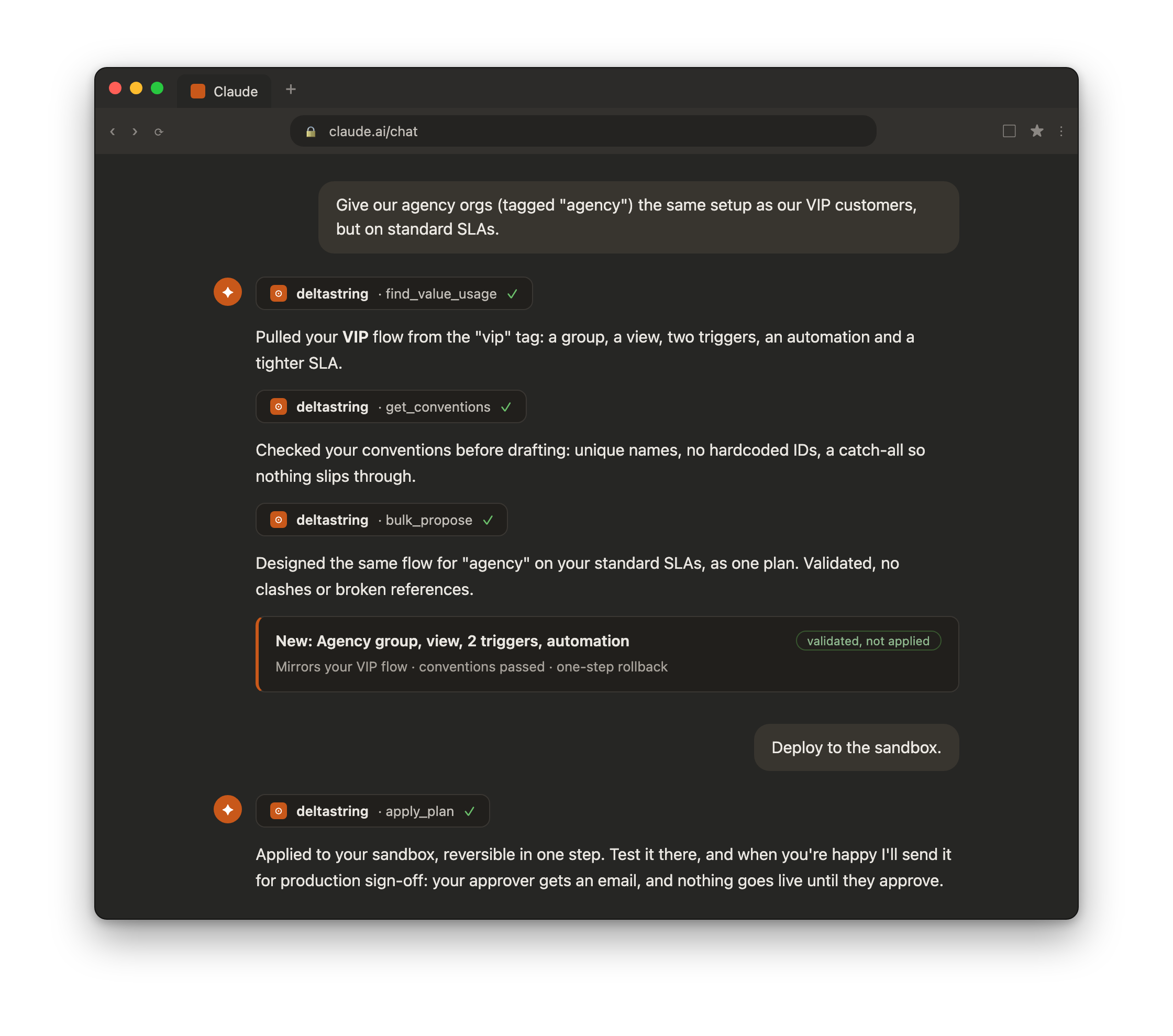
As time goes by I have become more amenable to Claude in my VSCodium. I know I wrote “I hate AI” but I also wrote “Take the free ride” and these ideas aren’t mutually exclusive. On the other hand I wouldn’t describe Deltastring as “a vibe-coded product” or whatever the current phrase is. I definitely get a lot more done with Claude than without it. Is it better than having a human sat there forgetting things, arguing with me, half-arsing anything it does? It’s certainly cheaper than a real human!
I know there are similar products out there that people have vibe-coded. I did show an early build of Deltastring to a colleague on one gig and he said “I could vibe code a good enough solution for this though” and then later I heard that he did do that. I haven’t tried it. I’m more interested in the defibrillated Salto.io. I genuinely love that product, people have assumed I was on the team, and I wouldn’t be doing this without the inspiration and support of the old Salto crew. A good team with real inertia behind them is the kind of company that keeps me sharp, and there’s room enough for us all to be successful.
At this point I’m going to stop typing primarily because this is longer than anyone really wants to read. Do you want to know anything more specific about the decisions we made when designing and building Deltastring? Let me know and I’ll see what I can do.